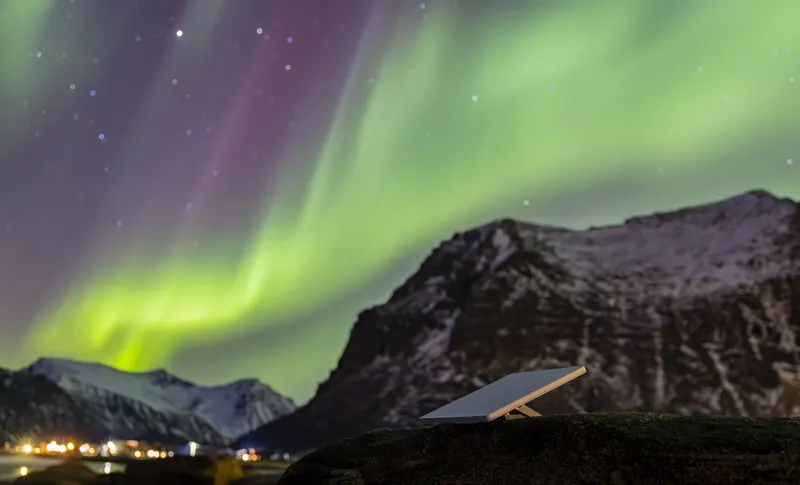
The long way north, still online
Checkout happens on Starlink.com. Starlink sets the U.S. referral credit, now $100 for new customers.
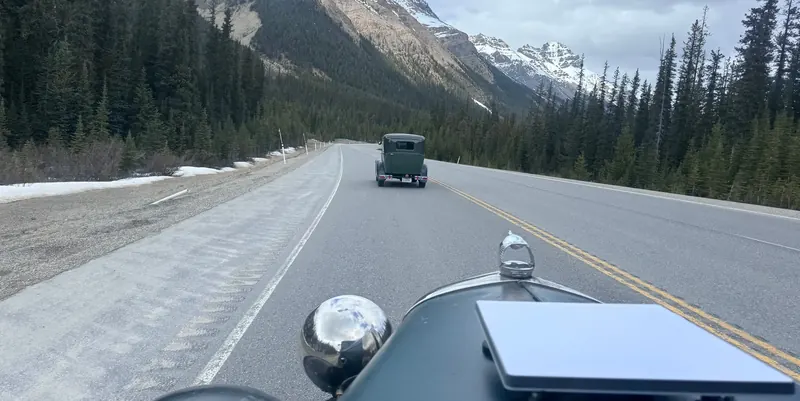
A drive from the lower 48 to Alaska, or just up to the lakes of British Columbia, has stretches where the only thing on the dial is static. That's the kind of trip where a Starlink dish earns its seat in the trunk. It also raises border questions: will it work in Canada, do I need to tell Starlink, and what about Mexico?
Starlink's pages answer most of them, and a few have changed this year. Here's what the pages say today, how to line up a plan, and what to do before the first border crossing.
The border rules, simply
How Starlink treats the U.S. and Canada
- 1 regionStarlink groups the U.S., Canada and their territories for roaming
- No 30-day capbetween countries in that group, for the plans that cover it
- 30 daysat a time outside your home country for Roam Unlimited, with travel registration
- $55, $80, $175monthly starting prices for Roam 100GB, 300GB and Unlimited
Read from Starlink's Roam pages and its support article on traveling with Roam on November 25, 2026. International rules were updated in July and August 2026, and local laws apply wherever you drive.
Crossing between the U.S. and Canada
According to Starlink, Roam 100GB and 300GB are for use in your registered home country or its grouped region, and the U.S. and Canada are one group. If you live in the States, a trip into Canada isn't counted as international roaming. Starlink says travel within your home country, or inside the grouped region, doesn't need Travel Registration.
Local laws still apply, and Starlink can ask you to move your account if you spend a long stretch in one country. A normal summer road trip is nowhere near that line, but an extended stay is a different case.
What changes outside the group
Mexico and the rest of the world sit outside the U.S.-Canada group. For those, Starlink says you need Roam Unlimited, which allows up to 30 days at a time outside your home country, and you have to complete Travel Registration first. The Roam plans comparison shows all three tiers side by side.
Registration asks for your legal name, date of birth, a photo ID and a live portrait, and the name on the ID has to match the account. Starlink says registration doesn't guarantee service abroad, because local rules can limit travel to shorter periods. Billing also continues if service is disabled for incomplete registration.
- Within the U.S. and Canada: Roam 100GB, 300GB and Unlimited all work, with no extra registration.
- Beyond them: Roam Unlimited, Travel Registration and a 30-day clock.
Before you go
Line up the plan before the border, not at it
Starlink lets you change Roam plans month to month in the app, and offers a 30-day trial with a full refund if the setup isn't right.
Click to get your $100 credit (opens Starlink's order page in a new tab)
Referral note: new Roam or Residential customers who order through this link can get a reward from Starlink after two months of service, $100 in the U.S. at the moment, as bill credit or cash. Starlink decides the amount and the rules.
Matching a plan to a northern trip
| Trip | A plan to consider | Why |
|---|---|---|
| A long weekend across the border | Roam 100GB | Starlink describes it as about a week of typical use. |
| Two or three weeks to Alaska | Roam 300GB | More headroom for navigation, calls and a few evenings of video. |
| A summer of full-time travel | Roam Unlimited | Unlimited high-speed data. Outside the U.S.-Canada group it is capped at 30 days a time. |
| A trip with long gaps between legs | Any Roam plan, paused with Standby Mode | Standby keeps the account active for a small monthly fee. |
Prices are Starlink's U.S. starting prices as read on November 25, 2026. Speeds up to 300+ Mbps are maximums that aren't guaranteed.
What the north looks like from camp
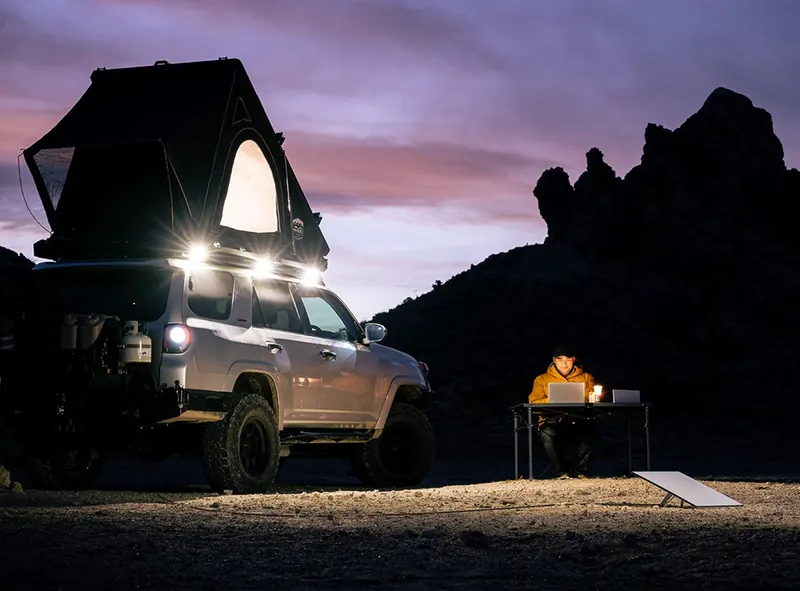
Starlink's own photographers have shot kits in the aurora country of Canada. These give a sense of the sky and the terrain you'll be setting up under.
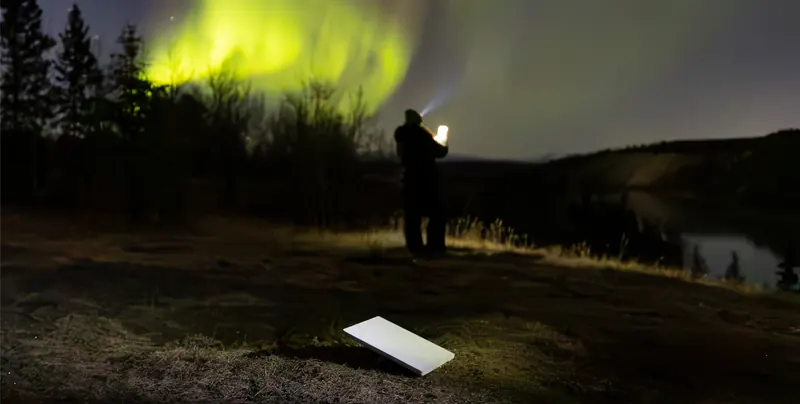
A night stop under green aurora. Image: Starlink. 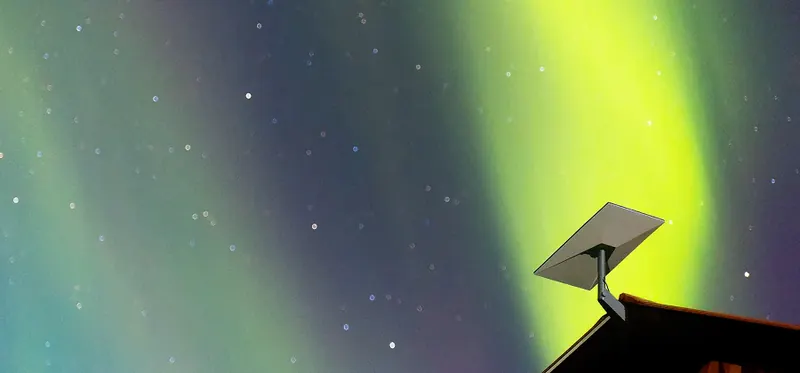
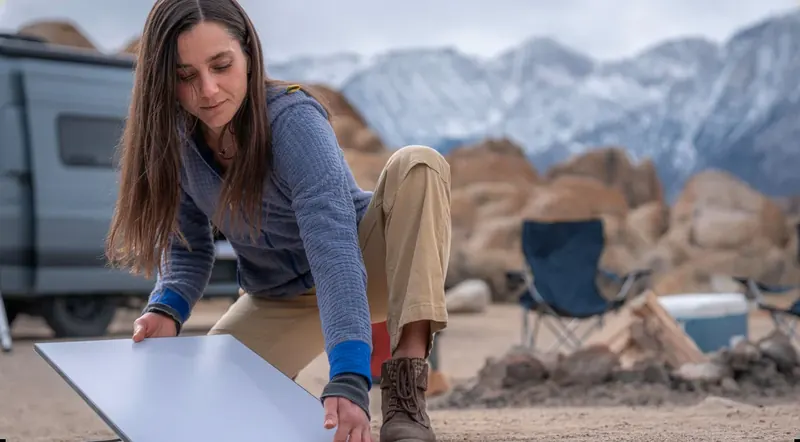
The dish pointed at an open sky. Image: Starlink. 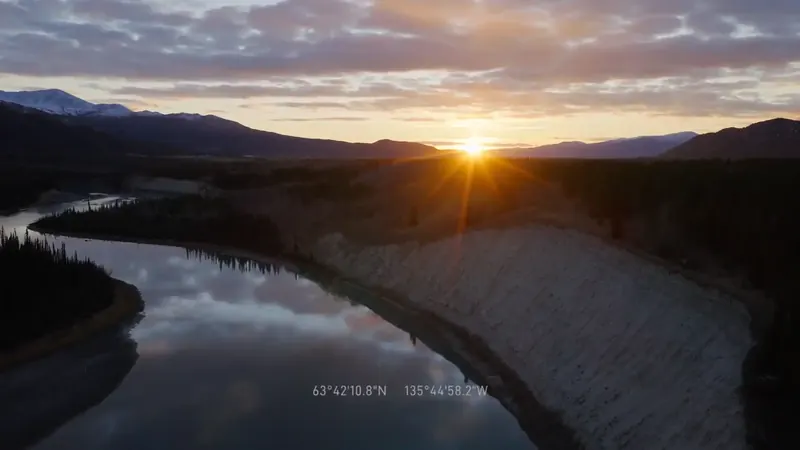
Sunrise over a wide northern valley. Image: Starlink.
A planning checklist for the drive
- Pick the plan and the kit. A Mini packs small. A Standard kit needs a flat spot and an outlet or an inverter. See the Mini power guide for the watts.
- Test it at home. Run the obstruction scan in the Starlink app from your driveway, and try a video call.
- Check the roam coverage page. Starlink's order page lists the countries where Roam is offered. If a country isn't there, Roam isn't available.
- Download the offline basics. Maps, campground details and a plan for every stretch of road are still smart.
- Keep the kit handy at the crossing. A dish is ordinary electronics, but you should follow normal customs rules and keep it where you can show it.
- Set up for the sky, not the scenery. Northern forests and valley walls block a lot of sky. Pick a pullout with open overhead room.
Planning data for a long trip
Satellite data goes fast when everyone in the vehicle is streaming. Starlink gives Roam 100GB and 300GB users a high-speed allotment and then unlimited low-speed data, which it describes as fine for messages and not for video. That means a plan check partway through the trip is normal.
A good rhythm is to use maps, weather and messages freely while moving, and save big downloads and long video calls for stops with a steady view of the sky.
Honest limits for northern routes
- Satellite is not rescue. Starlink is internet. A satellite messenger or beacon still matters on empty stretches.
- Speeds vary. Starlink says speeds change with location and busy times.
- Policies change. Starlink updated its international travel policy in 2026. Re-read the support page before you leave.
- Local rules apply. Every country can limit satellite use, and Starlink says its terms plus local law decide what's allowed.
Pack the connection with the maps
Roam changes monthly, so you can start it for a trip and pause it afterward.
Click to get your $100 credit (opens Starlink's order page in a new tab)
Referral note: new Roam or Residential customers who order through this link can get a reward from Starlink after two months of service, $100 in the U.S. at the moment, as bill credit or cash. Starlink decides the amount and the rules.
Border and plan questions
Do I need to tell Starlink before I drive into Canada?
Starlink says travel within your home country, or within the grouped U.S. and Canada region, doesn't require Travel Registration. Check Starlink's support page before you go, because its policies were updated in 2026.
Can I take Roam to Mexico?
Mexico isn't in the U.S.-Canada group, so you would need Roam Unlimited, which allows up to 30 days at a time outside your home country, plus Travel Registration. Starlink also says local rules can limit travel to shorter periods.
Will Roam 100GB last a three-week trip?
It depends on how much video you stream. Starlink describes the 100GB plan as about a week of typical use, so a three-week trip with several people usually points toward 300GB or Unlimited.
Can I pause between legs of the trip?
Yes. Standby Mode keeps the account active for a small monthly fee. Starlink says it isn't meant for use while moving.
Does the dish work in snow?
Starlink says its hardware is engineered to melt snow and handle sleet, heavy rain and harsh winds. A clear sky view still matters, so clear any snow load you can see.
Ordering Roam?
A $100 credit for first-time Starlink travelers
Never had Starlink before? Start the Roam order with the button below and Starlink can add a $100 credit to your account once you've had service for two months. The kit and plan cost exactly what Starlink charges anyway.
Click to get your $100 credit (opens Starlink's order page in a new tab)
That link includes my referral code, so I may get a referral benefit as well. Starlink can change the program whenever it likes.