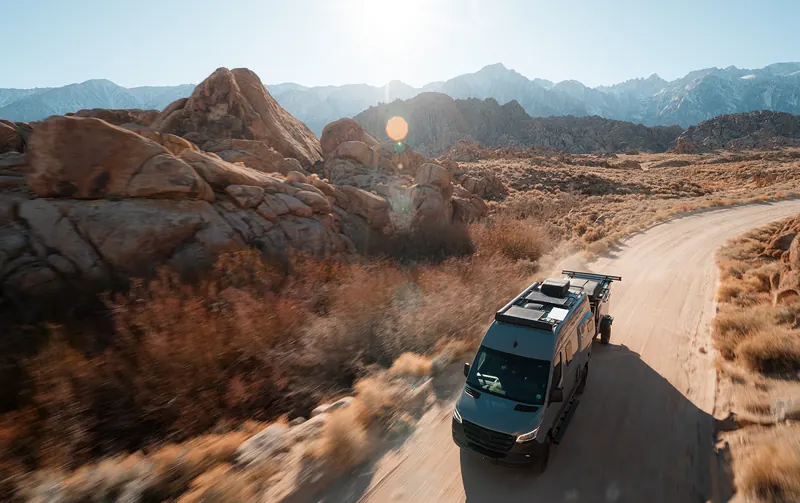
Online while the miles roll by
Checkout happens on Starlink.com. Starlink sets the U.S. referral credit, now $100 for new customers.
Most Starlink guides assume you stop, unfold the dish and wait for a green light in the app. Plenty of travelers want something different: a passenger on a video call across the next hundred miles of empty highway, or a map and weather feed that never drops while the driver follows a long grade.
Starlink does support that on its Roam plans, with rules and with a few kits left out. This page lays out what Starlink says is allowed today, what a rolling setup needs, and the situations where parking first is still the better move.
What Starlink says
The in-motion rules in four numbers
- 100 mphtop speed Starlink lists for in-motion use, in authorized locations
- Roam onlyin-motion use is part of Roam plans and not Residential plans
- 12 nautical mileshow far from shore Roam plans cover moving boats; past that is Ocean Mode
- From $55/mowhere Roam plans start in the U.S.
Read from Starlink's Roam page and its support article on in-motion use on November 25, 2026. Starlink changes plans and policies often, so its order page has the final word.
Which plans and kits qualify
Starlink's support article names Roam plans as the ones that allow in-motion use. It says in-motion use is not permitted on any Residential plan under the Fair Use Policy, and that pausing with Standby Mode isn't meant for use on the move.
On hardware, the list Starlink published when I read it names the Standard 4, the Standard 4 X, the Mini and both Performance kits. It advises against actuated kits, the older ones with motors, because of the safety risk. Mini 2 wasn't on that list yet, so check the article before you count on it for a moving vehicle.
- Plans: Roam 50GB, 100GB, 300GB and Unlimited.
- Kits: Standard, Standard 4 X, Mini and Performance models.
- Not for motion: Residential plans, Standby Mode and motorized kits.
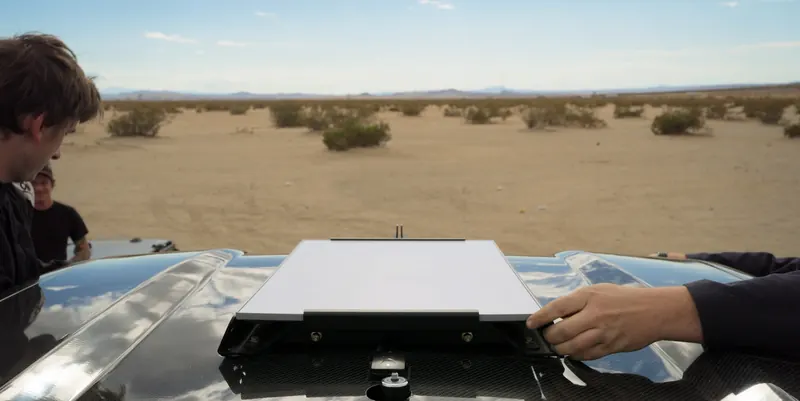
In-motion use at a glance
| Setup | Allowed in motion? | What to know |
|---|---|---|
| Roam 100GB, 300GB or Unlimited | Yes, in authorized locations | Up to 100 mph. Moving use draws from the same Roam data as parked use. |
| Roam Standby Mode | No | Standby is for emergency messages and easy reactivation, not for driving. |
| Residential plans | No | Starlink bars in-motion use on every Residential plan. |
| Actuated (motorized) kits | Not recommended | Starlink warns of injury, damage and a voided warranty if one is damaged while moving. |
Source: Starlink's support article on in-motion use, read November 25, 2026.
Before you order
Check what your address and route allow
Roam availability depends on the country you pick at checkout, and in-motion use applies only in authorized locations. Starlink also offers a 30-day trial with a full refund if it isn't right for you.
Click to get your $100 credit (opens Starlink's order page in a new tab)
Referral note: new Roam or Residential customers who order through this link can get a reward from Starlink after two months of service, $100 in the U.S. at the moment, as bill credit or cash. Starlink decides the amount and the rules.
Getting a rolling setup right
A dish that works on a picnic table can fail on a roof if the mount or the cable isn't ready for wind and vibration. A few habits make a big difference.
Use a mount built for travel and fix it to the structure of the vehicle, not to thin trim. Keep the cable strain-free with a loop at both ends so it can flex without pulling on the connector. Walk the route of the cable, because a pinched run is the most common point of failure.
- Test parked first. Run the obstruction check in the Starlink app before you drive off.
- Think about the roofline. Roof racks, air conditioners and awnings can shade a dish that's flush with the roof.
- Plan for the passenger seat. The connection is for the people riding along. The driver's job is the road.
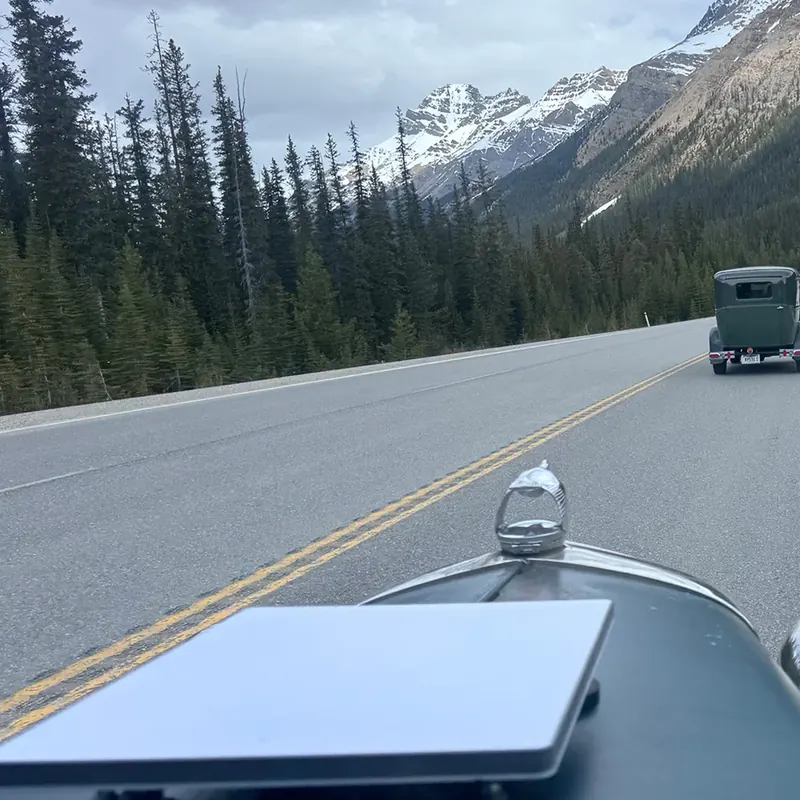
What still interrupts a moving connection
Satellites move overhead and your sky view changes with the road. Highway overpasses, bridges, tunnels, dense forest and tall canyon walls can all break the link for a moment or for a long stretch. Starlink also lists its speeds as maximums that aren't guaranteed and that slow during busy times, so treat any in-motion figure as a best case.
- Cities and tree tunnels: a short drop is normal. Use apps that can ride through a brief gap, like a streaming service that buffers.
- Calls and meetings: take them on a flat open stretch rather than a winding forest road.
- Big uploads: large uploads are better at a parked stop, where the sky is steady.
Cell coverage and satellite messengers still have a place. Starlink is great for data. It isn't a replacement for an emergency beacon where there's no help nearby.
Rolling setups from Starlink's own photos
Starlink's photographers shot kits on hoods, racks and open trails. These show the range of vehicles it has in mind.
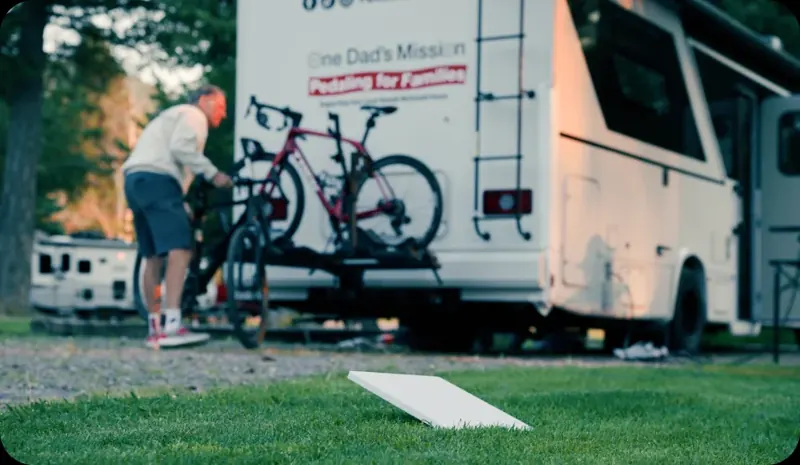
A motorhome campsite where the dish stays on the grass. Image: Starlink. 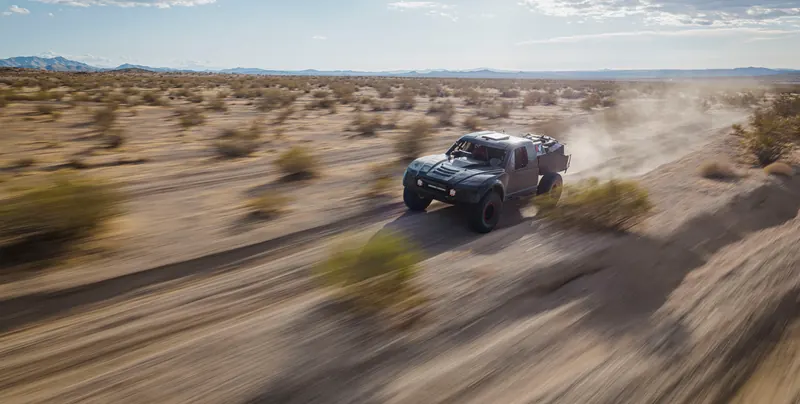
A truck on a fast desert trail. Image: Starlink. 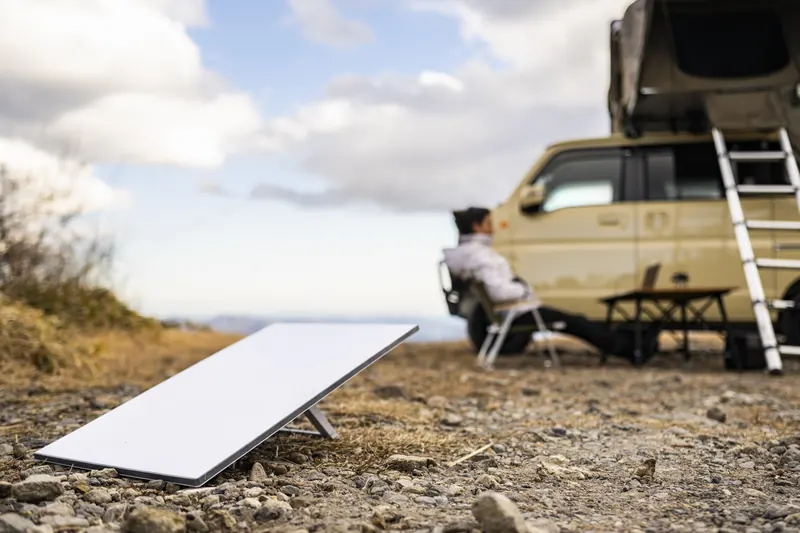
A Standard dish at a lookout beside a roof-tent van. Image: Starlink.
When parking first makes more sense
In-motion use is a bonus, not a must. If the plan is a long afternoon of video meetings, stop at a quiet turnout with open sky and the connection is steadier. If the trip has long boat legs, remember that Roam plans cover inland waters and territorial waters up to 12 nautical miles. Beyond that, Starlink points boaters to Ocean Mode or its maritime plans.
For RV owners the choice usually comes down to parked power and the cable run. The RV and van life guide covers mounts and campgrounds. If your kit is a Mini, the Mini power draw page has the watts and amp-hours.
Get the kit before the next long drive
Roam bills one month at a time, so you can start it for a trip and pause it with Standby Mode afterward.
Click to get your $100 credit (opens Starlink's order page in a new tab)
Referral note: new Roam or Residential customers who order through this link can get a reward from Starlink after two months of service, $100 in the U.S. at the moment, as bill credit or cash. Starlink decides the amount and the rules.
In-motion questions
Can I use Starlink while someone else drives?
Yes, on a Roam plan in an authorized location, with a supported kit. Starlink's support article lists in-motion use up to 100 mph. The driver should stay focused on the road, and passengers can handle calls, maps and streaming.
Does my Residential plan work in a moving vehicle?
No. Starlink says in-motion use isn't permitted on any Residential plan. A traveler who wants to use the kit on the road needs a Roam plan, which Starlink bills one month at a time.
Can I use Standby Mode while driving?
No. Starlink says Standby Mode is not intended for in-motion use. It keeps low-speed data for emergency messages and for reactivating the kit when you reach a dead zone.
Is the Mini a good in-motion kit?
Starlink lists the Mini among its in-motion hardware. It has a built-in router and fits in a backpack. For a power plan, see Mini power draw in an RV.
Does in-motion work on a boat?
On any Roam plan, in coastal and inland waters up to 12 nautical miles from shore. Past that, Starlink's Ocean Mode is billed per gigabyte. The boat guide has the details.
Ordering Roam?
A $100 credit for first-time Starlink travelers
Never had Starlink before? Start the Roam order with the button below and Starlink can add a $100 credit to your account once you've had service for two months. The kit and plan cost exactly what Starlink charges anyway.
Click to get your $100 credit (opens Starlink's order page in a new tab)
That link includes my referral code, so I may get a referral benefit as well. Starlink can change the program whenever it likes.